


Programmatic SEO technical architecture determines whether your 50,000 database-driven pages index or get stuck in crawl budget limbo. Most projects fail at the infrastructure layer because teams build content before considering URL taxonomy, rendering costs, and crawler behavior patterns.
Key Takeaways:
- Server-side rendering costs 3-5x more in compute resources but indexes 90%+ faster than client-side JavaScript
- URL taxonomy depth beyond 4 levels reduces crawl efficiency by 40% for sites over 10,000 pages
- Proper sitemap segmentation keeps individual XML files under 50MB to prevent Google crawl timeout errors
How Do You Choose Between Static Generation and Server-Side Rendering?

Static site generation performs better than server-side rendering for sites under 100,000 pages. The performance gap closes as page count scales, but the cost differential remains significant across all sizes.
For programmatic SEO implementations, the choice between SSR vs SSG programmatic SEO approaches depends on three factors: page count, update frequency, and infrastructure budget. Static generation works by pre-building every page at deploy time, storing HTML files that serve instantly. Server-side rendering generates pages on-demand when users request them.
Here’s the performance and cost breakdown by scale:
| Page Count | Static Generation Cost | SSR Cost | Build Time | Update Speed |
|---|---|---|---|---|
| Under 10,000 | $50-100/month | $200-400/month | 5-15 minutes | Deploy required |
| 10,000-50,000 | $100-200/month | $400-800/month | 15-45 minutes | Deploy required |
| 50,000-100,000 | $200-400/month | $800-1,500/month | 45-120 minutes | Deploy required |
| Over 100,000 | $400-800/month | $1,200-2,500/month | 2-8 hours | Deploy required |
Static generation handles 100,000 pages at $200/month hosting versus SSR at $800/month for equivalent performance. The trade-off comes in flexibility. Static sites require full rebuilds for content updates, while SSR updates pages individually.
JavaScript rendering programmatic SEO adds another layer of complexity. Client-side rendering forces search engines to execute JavaScript before reading content, which costs crawl budget and delays indexing. Google’s rendering queue processes JavaScript sites 2-7 days after the initial crawl, compared to immediate processing for pre-rendered HTML.
Most programmatic SEO projects start with static generation for cost control, then migrate to SSR when build times exceed acceptable limits. The breaking point typically occurs around 25,000-50,000 pages, depending on content complexity and update requirements.
The infrastructure cost comparison extends beyond hosting. Static sites require build servers capable of generating thousands of pages in reasonable timeframes. SSR needs application servers with sufficient memory and CPU to handle concurrent page generation without timeouts.
URL Structure Design Principles for Database-Driven Content
URL taxonomy design determines crawl efficiency for programmatic sites. URLs with 4+ subdirectory levels see 40% lower crawl frequency than 2-3 level structures because Google allocates crawl budget based on perceived site hierarchy depth.
Follow this URL structure programmatic SEO planning process:
Map your data hierarchy to URL depth. Each database relationship should add one URL level maximum. Product categories become subdirectories, individual products become final URLs.
Limit taxonomy depth to 3 levels maximum. Structure as /category/subcategory/item rather than /region/category/subcategory/brand/item. Deep hierarchies fragment crawl budget across too many intermediate pages.
Choose path-based over parameter-based structures. /jobs/marketing/san-francisco indexes better than /jobs?category=marketing&location=san-francisco because search engines treat parameters as dynamic content.
Implement canonical URL management from launch. Database-driven content often generates multiple URL paths to the same content. Choose one canonical pattern and redirect alternatives immediately.
Design for scalability from day one. URLs can’t change without losing ranking history. Plan for 10x your launch page count when designing the taxonomy structure.
The most common URL structure mistake in programmatic SEO involves copying e-commerce faceted navigation patterns. E-commerce sites need /category/brand/price-range/color URLs for user filtering, but programmatic content sites should flatten these into separate page types.
Parameter vs path-based structures create different crawl budget allocation patterns. Search engines crawl path-based URLs more frequently because they appear as distinct pages in the site architecture. Parameter-based URLs get treated as variations of the base page, reducing individual page crawl frequency.
Canonical URL management becomes critical when databases support multiple access patterns. A job listing might appear at /jobs/marketing/123 and /companies/acme/jobs/123. Pick one pattern as canonical and redirect the others to prevent duplicate content issues that waste crawl budget on identical pages.
What Internal Link Architecture Prevents Crawl Budget Waste?
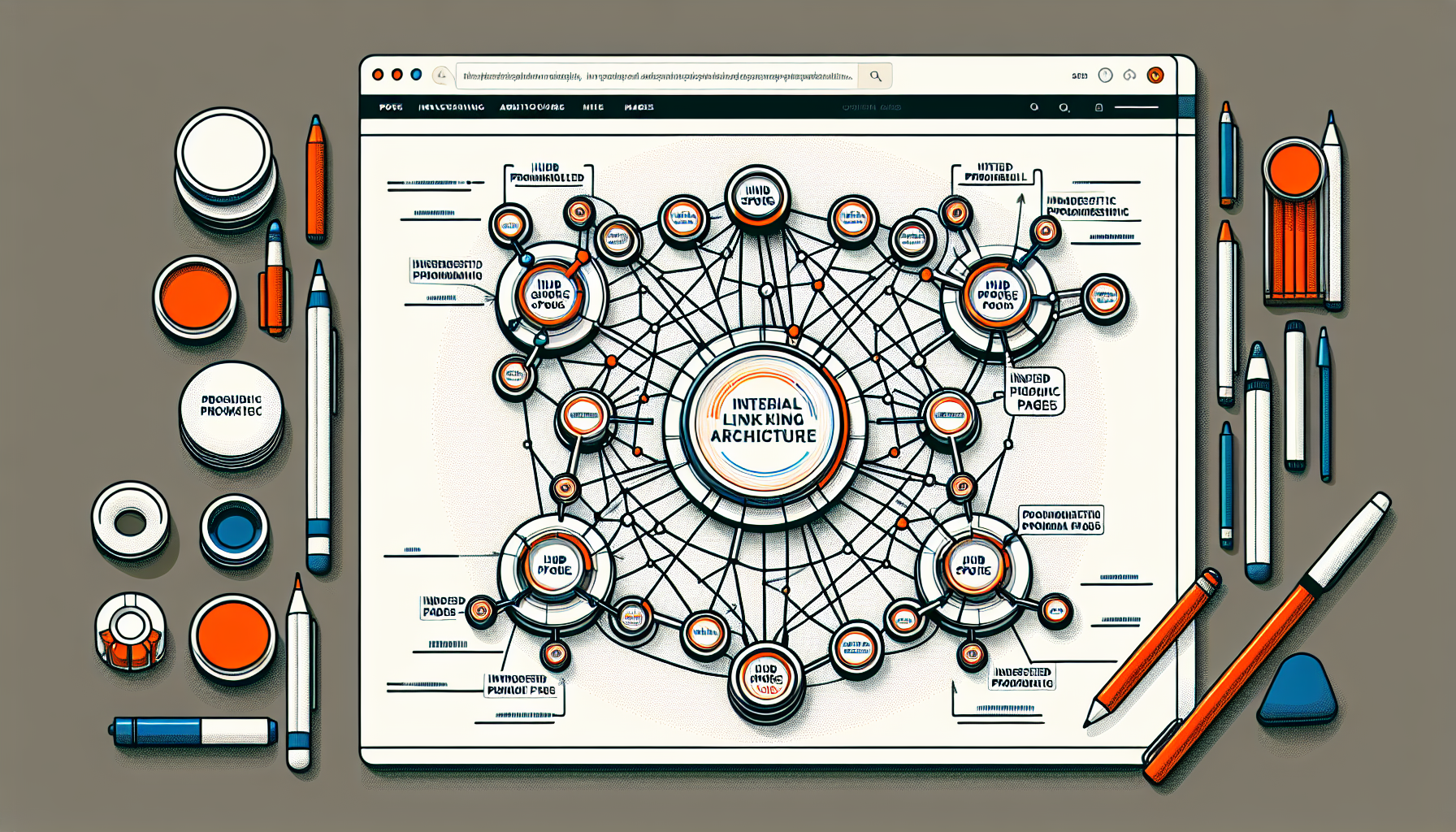
Internal link architecture affects crawl budget distribution across programmatic pages. Sites with proper hub-spoke internal linking see 60% more programmatic pages indexed within 30 days compared to flat linking structures.
Template architecture governs how programmatic pages link to each other. Most programmatic SEO systems generate links automatically based on database relationships, but default patterns often waste crawl budget on low-value connections.
Here’s how different internal linking patterns affect crawl budget allocation:
| Link Pattern | Crawl Distribution | Index Rate | Maintenance Cost |
|---|---|---|---|
| Hub-spoke (category pages link to items) | Concentrated on hubs | 85%+ in 30 days | Low |
| Full mesh (every page links to related) | Dispersed evenly | 45% in 30 days | High |
| Linear (pagination only) | Concentrated on page 1 | 25% in 30 days | Low |
| Hierarchical (strict parent-child) | Top-heavy distribution | 60% in 30 days | Medium |
Hub page strategies work by concentrating internal link equity on category and listing pages, which then distribute it to individual items. This creates clear crawl budget allocation patterns that search engines can follow efficiently.
Pagination versus infinite scroll creates different crawl budget impacts for programmatic content. Traditional pagination spreads pages across numbered URLs that search engines can crawl systematically. Infinite scroll concentrates all links on the first page, forcing crawlers to execute JavaScript to discover additional content.
Orphan page prevention requires systematic internal linking audits for programmatic sites. Database-driven content creates orphan pages when items get added without proper category assignments or when template logic fails to generate expected links.
The key insight most guides miss: internal link anchor text matters less for programmatic SEO than link placement and context. Search engines understand programmatic patterns and focus on structural signals rather than anchor text optimization.
Template architecture should generate contextual links based on database relationships. Job listings link to similar jobs, company pages, and location pages. Product pages link to category pages, related products, and brand pages. The linking logic should mirror how users navigate the data relationships.
Sitemap Segmentation Architecture for Large-Scale Sites

Sitemap segmentation prevents Google crawl timeout errors on large programmatic sites. XML sitemaps over 50MB cause Google crawl timeouts in 23% of programmatic SEO deployments, creating indexing bottlenecks that affect thousands of pages.
XML sitemap architecture large programmatic site implementations require careful size management and logical segmentation:
• Segment by content type, not arbitrary page counts. Create separate sitemaps for jobs, companies, locations, and categories rather than splitting numerically. This helps Google understand your content structure.
• Keep individual XML files under 45MB to prevent timeout errors. Google’s 50MB limit includes overhead, so target 45MB maximum per sitemap file for safety margins.
• Update sitemaps by modification frequency, not all at once. Daily-updated content gets separate sitemaps from static reference pages to optimize crawl budget allocation.
• Use sitemap index files to organize the hierarchy. Master sitemap.xml points to category-specific sitemaps, making it easier for crawlers to process large sites systematically.
• Include last modification timestamps for all URLs. This helps Google prioritize crawling recently updated content over static pages, improving crawl efficiency.
• Generate sitemaps automatically from database changes. Manual sitemap updates don’t scale past 1,000 pages and create consistency issues between live content and sitemap declarations.
Segmentation by content type works better than numerical splits because it aligns with how search engines understand site architecture. A sitemap containing only job listings helps Google recognize the content pattern and allocate appropriate crawl budget.
Update frequency optimization prevents wasted crawl budget on unchanged content. Pages that update daily belong in frequently-refreshed sitemaps, while reference content can use monthly update cycles. This signals to search engines which content needs regular re-crawling.
Sitemap index file structure becomes critical for sites over 25,000 pages. The master index should organize sitemaps logically, grouping related content types together. This helps search engines understand the site’s information architecture and crawl more efficiently.
How Does Faceted Navigation Impact Crawl Budget at Scale?

Faceted navigation SEO index bloat occurs when filter combinations create exponential URL growth. Uncontrolled faceted navigation creates 10-50x more URLs than intended programmatic pages, diluting crawl budget across low-value parameter combinations.
Faceted navigation containment strategy is the systematic control of which filter combinations generate indexable URLs. This means allowing valuable filter combinations like /jobs/marketing/san-francisco while blocking low-value combinations like /jobs/marketing/san-francisco/remote/senior/javascript.
The core problem happens when programmatic sites inherit e-commerce navigation patterns without considering crawl budget implications. E-commerce sites need extensive filtering for user experience, but database-driven content sites should limit indexable filter combinations to high-search-volume patterns.
Crawl budget allocation framework for faceted navigation involves three containment methods: noindex directives, robots.txt blocking, and parameter handling in Google Search Console. Each method has different implications for crawl budget preservation.
Noindex directives allow search engines to crawl filtered URLs but prevent indexing. This wastes crawl budget on discovery while preventing index bloat. Use noindex for filter combinations that might have user value but shouldn’t rank independently.
Robots.txt strategies block filtered URLs from crawling entirely, preserving crawl budget for primary content. This works best for filter combinations with no search demand or user value. Block parameters like ?color=red&size=large&material=cotton that create infinite combinations.
Parameter handling through Google Search Console lets you specify how Google should treat URL parameters. Set filtering parameters to “No URLs” to prevent crawling, or “Representative URL” to crawl one example from each parameter set.
The technique most guides miss involves strategic parameter ordering in URLs. Put high-value filters first (?location=san-francisco&role=marketing) so Google can crawl valuable combinations before hitting parameter limits. This ensures important filtered pages get discovered even with crawl budget constraints.
Faceted URL explosion problems typically emerge around 5,000-10,000 base pages when mathematical combinations exceed crawler capacity. A site with 5,000 jobs and 10 filter options can generate 50,000 filtered URLs, but most combinations have zero search demand.
Frequently Asked Questions
What’s the minimum server requirements for programmatic SEO at scale?
For sites generating 10,000+ pages, you need at least 4GB RAM and 2 CPU cores for static generation, or 8GB RAM and 4 cores for server-side rendering. Most shared hosting plans break down around 5,000 programmatic pages due to build time limits. The memory requirement scales with concurrent page generation, not total page count.
How do you handle JavaScript rendering costs for large programmatic sites?
JavaScript rendering costs scale linearly with page count, expect $3-8 per 1,000 pages monthly for client-side rendering infrastructure. Pre-rendering or static generation eliminates this cost but requires more complex build pipelines. Cloudflare Workers SEO programmatic solutions can reduce rendering costs by 60-80% through edge computing.
Can you change rendering methods after launching programmatic SEO?
Yes, but migration requires careful URL preservation and redirect management. Expect 2-4 weeks of ranking volatility during the transition, and plan for temporary crawl budget increases to re-index the new rendering format. Most successful migrations happen in batches of 5,000-10,000 pages to minimize disruption.
What happens when programmatic sites exceed crawl budget limits?
Google stops crawling new pages and reduces update frequency for existing ones. Sites over 100,000 pages typically need crawl budget programmatic SEO optimization through strategic internal linking, sitemap prioritization, and low-value page removal. The first sign is increasing “Crawled – not indexed” pages in Google Search Console.



