


Programmatic SEO without coding is possible using the Airtable-Whalesync-Webflow stack. What used to require a full development team can now launch 10,000 database-driven pages through visual interfaces and pre-built integrations. This approach democratizes programmatic SEO tools for marketers who need database-driven content but lack technical resources.
Key Takeaways:
• Airtable plus Whalesync plus Webflow stack costs $179/month and handles up to 10,000 programmatic pages without code
• No-code pSEO hits a hard ceiling at 10K pages, beyond that, you need custom development or hosted solutions
• Configuration takes 3-5 days for the full stack setup with proper field mapping and template architecture
What Is the Airtable-Whalesync-Webflow Stack for Programmatic SEO?

The Airtable-Whalesync-Webflow stack is a no-code solution for building database-driven content at scale. This means you can generate thousands of SEO-optimized pages without writing a single line of code.
Airtable serves as your content database. You store all your programmatic data here, product information, location data, category details, or whatever entities drive your content model. The platform handles data validation, relationships, and bulk imports through its spreadsheet-like interface.
Whalesync acts as the integration bridge. It automatically synchronizes data from Airtable to Webflow CMS Collections, transforming database records into live web pages. The sync runs every 15 minutes on paid plans, keeping your site updated with fresh data.
Webflow CMS handles the front-end rendering. You design one template, and Webflow generates individual pages for each database record. The platform manages hosting, SSL certificates, and basic SEO configurations automatically.
This combination works because each tool handles what it does best. Airtable excels at data management. Whalesync specializes in no-code integrations. Webflow delivers professional web design without coding requirements. Together, they create a programmatic SEO pipeline that scales to 10,000 CMS items in Webflow Collections.
The stack differs from developer-required solutions by eliminating technical barriers. You configure everything through visual interfaces. No terminal commands, no code deployments, no server management.
How Much Does the No-Code Programmatic SEO Stack Actually Cost?

| Component | Monthly Cost | What You Get |
|---|---|---|
| Airtable Pro | $24 | 50,000 records, advanced field types, API access |
| Whalesync Pro | $49 | 10,000 record syncs, 15-minute frequency |
| Webflow CMS | $36 | 10,000 CMS items, custom domain, SSL |
| Webflow Hosting | $70 | Enterprise hosting, CDN, 99.9% uptime |
| Total Monthly | $179 | Complete no-code pSEO stack |
The no-code pSEO stack costs $179 monthly for 10K pages. This price point makes programmatic SEO accessible to businesses that cannot justify $15,000-50,000 custom development projects.
Hidden costs appear as you grow. Airtable charges $24 per workspace member. Teams with multiple editors pay $48-72 monthly just for database access. Whalesync pricing jumps to $149 monthly for enterprise features like advanced transformations and priority support.
Webflow hosting costs scale with traffic. The $70 CMS hosting plan handles moderate traffic, but high-traffic programmatic sites need the $212 Business plan. Factor in $100-200 monthly for hosting once your pages start ranking and driving significant organic sessions.
Compared to developer costs, the no-code stack offers immediate ROI. Custom programmatic SEO development requires 3-6 months and $25,000+ budgets. The no-code approach launches in one week for under $200 monthly. You break even against developer costs in month 140, assuming the no-code solution meets your scale requirements.
Step 1: Configure Airtable as Your Programmatic SEO Database
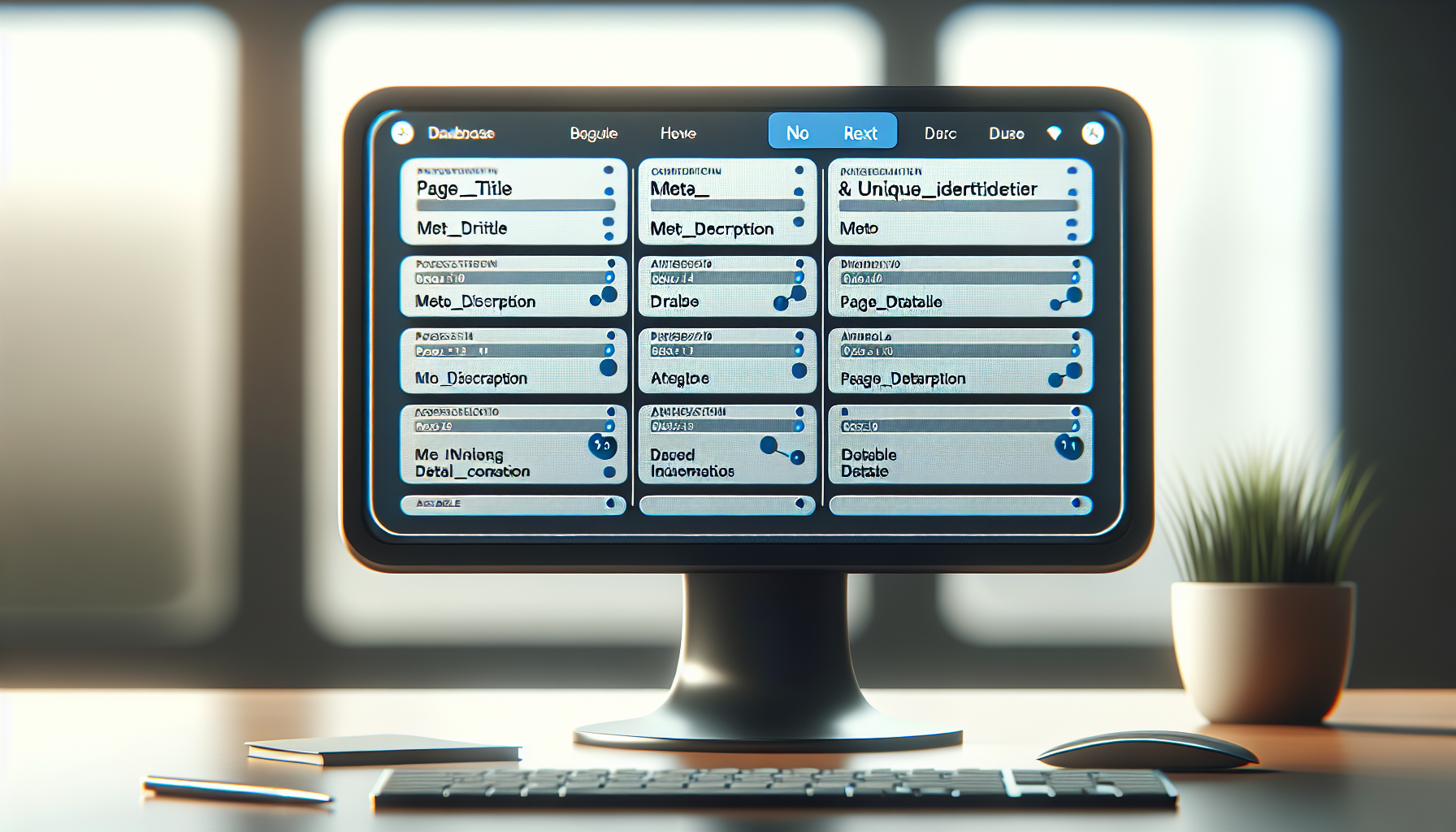
Create a new Airtable base with a single table for your programmatic content. Name fields using consistent conventions, no spaces, use underscores for multi-word fields.
Set up essential fields for every programmatic page:
page_title,meta_description,h1_heading,primary_content,locationorcategory,unique_identifier. These become your template variables.Add 8+ unique data fields per record to pass Google’s quality thresholds. Include numerical data, categorical information, descriptive text, and structured attributes that create genuine page differentiation.
Configure field types correctly: Single line text for titles, Long text for descriptions, Number fields for quantities, Single select for categories, Multiple select for tags or features.
Create filtered views for different content types or geographic regions. Views help organize large datasets and make template mapping cleaner in later steps.
Set up data validation rules using Airtable formulas. Required fields prevent broken pages. Character count limits maintain consistency. Pattern matching ensures proper formatting for URLs and identifiers.
Import your data using CSV uploads or API connections. Test with 10-20 records first to validate field mapping before bulk importing thousands of records.
Design a consistent naming convention for images and assets. Airtable attachment fields sync to Webflow, but file naming affects SEO and page speed.
Airtable configuration structures your programmatic content database. Proper field setup determines template quality and prevents sync errors with Whalesync. The time invested here saves debugging hours later.
Step 2: Connect Airtable to Webflow Using Whalesync
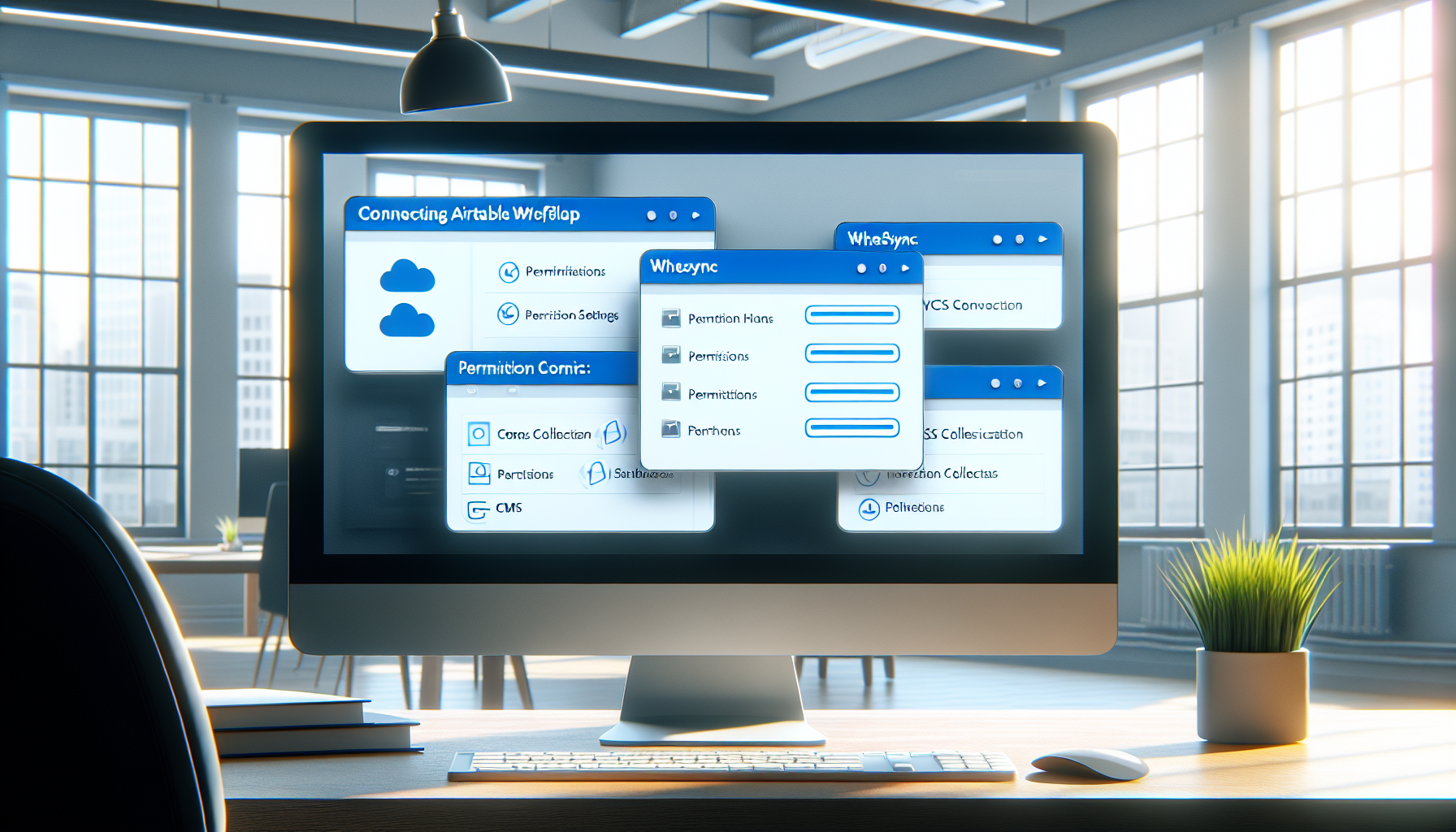
Sign up for Whalesync Pro and connect your Airtable account. Grant read access to the base containing your programmatic content. Whalesync needs view permissions to sync data.
Connect your Webflow account and select the target site. Create a new CMS Collection in Webflow first, Whalesync cannot create collections, only populate existing ones.
Map Airtable fields to Webflow CMS fields using Whalesync’s visual interface. Match field types exactly: text to text, number to number, attachments to image fields. Mismatched types cause sync failures.
Configure the sync frequency to 15 minutes for real-time updates. Daily syncs work for static data, but programmatic sites need frequent updates to handle new records and data changes.
Set up data transformations if needed. Whalesync can combine fields, format text, or apply conditional logic during sync. Use transformations to create SEO-friendly URLs from database identifiers.
Test the sync with a small data subset first. Run a manual sync and verify that Airtable records appear correctly in Webflow CMS. Check for formatting issues, missing fields, or broken image links.
Enable automatic syncing once testing confirms proper field mapping. Whalesync monitors Airtable for changes and pushes updates to Webflow without manual intervention.
Monitor sync logs for errors. Failed syncs indicate field mapping problems, data validation issues, or Webflow CMS limits. Address errors immediately to prevent data inconsistencies.
Whalesync integration synchronizes Airtable data to Webflow CMS. The field mapping process determines how database records become web pages. Whalesync syncs up to 10,000 records with 15-minute update frequency on Pro plan, keeping your programmatic content current.
What Are the Hard Limits of No-Code Programmatic SEO?

No-code pSEO hits a 10000 page ceiling limit at the Webflow platform level. Understanding these constraints helps you plan appropriately and recognize when developer solutions become necessary.
• Webflow CMS Collections cap at 10,000 items total across all collections on the CMS plan. This is a hard platform limit with no workaround. You cannot split collections or use multiple sites to bypass this restriction.
• Airtable Pro supports 50,000 records per base but sync tools like Whalesync impose their own limits. The 10K Webflow ceiling becomes the bottleneck long before Airtable constraints matter.
• Whalesync Pro handles 10,000 record syncs with 15-minute frequency. Enterprise plans increase sync volume but cannot overcome Webflow’s CMS item limits.
• Crawl budget management becomes manual at scale. Unlike custom solutions that implement intelligent crawl directives and XML sitemap optimization, no-code stacks rely on basic Webflow SEO features.
• Template customization hits platform boundaries quickly. Complex conditional logic, dynamic internal linking, and advanced schema markup require custom development beyond Webflow’s CMS template capabilities.
• Performance optimization lacks programmatic control over critical rendering paths, JavaScript execution, and server-side rendering optimizations that affect programmatic SEO success.
Webflow CMS Collections cap at 10,000 items total across all collections on CMS plan. This ceiling defines the absolute scale limit for no-code approaches. When you hit 10K pages, migration to developer solutions becomes mandatory, not optional.
When Should You Switch from No-Code to Developer Solutions?

| Indicator | No-Code Limit | Developer Solution |
|---|---|---|
| Page Volume | 10,000 pages maximum | 100,000+ pages possible |
| Template Complexity | Basic conditional content | Advanced logic and personalization |
| Performance Control | Platform-dependent | Full optimization control |
| Crawl Management | Manual XML sitemaps | Intelligent crawl budget optimization |
| Schema Implementation | Basic markup only | Advanced entity relationships |
| Internal Linking | Manual or simple rules | Algorithmic link distribution |
| Cost at Scale | $179/month fixed | $15,000-50,000 upfront, $500+ monthly |
Developer solutions become necessary beyond 10K page scale when platform limits constrain growth. Signs you have outgrown the no-code stack include hitting Webflow’s CMS item ceiling, needing advanced template logic that Webflow cannot handle, or requiring performance optimizations beyond platform capabilities.
Next.js programmatic SEO with headless CMS architecture offers unlimited scale. You control the entire rendering pipeline, implement sophisticated crawl budget management, and optimize every aspect of page generation. The tradeoff is complexity, custom development requires technical expertise and ongoing maintenance.
Enterprise crawl intelligence becomes critical above 10K pages. Tools like Botify and DeepCrawl provide insights that no-code platforms cannot match. You need programmatic control over how many data fields make a page unique and canonical tags to prevent duplicate suppression.
Custom development costs $15,000-50,000 for 100K+ page programmatic sites versus $179/month no-code solutions. The higher upfront investment pays off through unlimited scale, performance optimization, and advanced features that drive better SEO outcomes.
Migration from Webflow to custom solutions requires planning. Export your Airtable data, redesign templates in your chosen framework, and implement proper redirects from old URLs to new ones. The technical complexity justifies the transition only when no-code limits genuinely constrain business growth.
Frequently Asked Questions
Can you really build programmatic SEO without any coding skills?
Yes, the Airtable-Whalesync-Webflow stack requires zero coding knowledge and handles up to 10,000 programmatic pages. You configure everything through visual interfaces and pre-built integrations. The limitation is scale, beyond 10K pages, you need developer solutions.
How long does it take to set up the entire no-code programmatic SEO stack?
Initial setup takes 3-5 days for a complete implementation. This includes Airtable database configuration, Whalesync field mapping, Webflow template design, and testing the sync workflow. Most of the time goes into template design and data field optimization.
What happens when you hit Webflow’s 10,000 CMS item limit?
Webflow CMS Collections have a hard cap at 10,000 items total. You cannot add more pages without upgrading to custom development solutions like Next.js with a headless CMS. There is no workaround within Webflow’s platform, this is the definitive ceiling for no-code programmatic SEO.



