


Crawl trap diagnosis programmatic SEO becomes critical when your 50,000-page database-driven site has 400 pages indexed and Google Search Console shows 49,600 URLs stuck in ‘Crawled, currently not indexed’, you have a trap burning through your crawl budget.
Key Takeaways:
- Session ID parameters create infinite URL variations that exhaust crawl budget within 72 hours of discovery
- Log file analysis reveals crawl trap patterns 6-8 weeks before they appear in Google Search Console coverage reports
- Filter combination URLs grow exponentially, 5 filter types with 10 values each generate 100,000 possible URL variations
What Is a Crawl Trap in Programmatic SEO?

A crawl trap is an infinite loop of URLs that wastes Googlebot’s crawl budget by generating endless variations of the same content. This means your database-driven site gets crawled repeatedly on worthless URLs instead of your valuable programmatic pages.
Programmatic SEO crawl traps differ from traditional crawl traps because they emerge from database queries, not static site architecture. Your content management system generates new URLs based on user interactions, filter combinations, or session data, creating millions of discoverable URLs that lead nowhere useful.
Session IDs represent the most common trap type. When your site appends ?sessionid=abc123 to every URL, Googlebot discovers a new variation each time it visits. Each session creates unique URLs for identical content. Calendar pagination creates another frequent trap, event sites and booking platforms allow navigation through ?month=2025-01 through ?month=2099-12, generating thousands of future date URLs with no content.
Filter combinations multiply exponentially. A real estate site with 5 filter types (price range, bedrooms, bathrooms, property type, location) and 10 values each creates 100,000 possible URL combinations. Most combinations return empty result sets, but Googlebot discovers and attempts to crawl every variation.
A single crawl trap can generate 10,000+ URL variations within 24 hours of Googlebot discovering the pattern. Your crawl budget gets consumed on infinite pagination instead of indexing your core database content.
How Do You Detect Crawl Traps Using Server Log Analysis?

Server log analysis reveals crawl trap patterns weeks before they appear in Google Search Console coverage reports. Here’s the step-by-step detection method:
Extract Googlebot requests from server logs. Filter your access logs for user agent “Googlebot” and collect all URLs requested in the past 30 days.
Calculate unique URL ratios. Count total Googlebot requests versus unique URLs discovered. Healthy programmatic sites show 200-400 unique URLs per 10,000 Googlebot requests.
Identify parameter explosion patterns. Group URLs by base path and count parameter variations. Look for single pages generating 100+ parameter combinations.
Map crawl frequency distribution. Chart how many URLs get crawled once, twice, 10+ times. Crawl trapped sites show thousands of URLs crawled exactly once.
Track temporal crawl patterns. Plot URL discovery rates over time. Sudden spikes in unique URLs indicate trap activation.
Analyze response code patterns. Count 200, 404, and 500 responses by URL pattern. Traps often generate high 404 rates for non-existent filter combinations.
Crawl trapped sites show 8,000+ unique URLs per 10,000 Googlebot requests, a 20x increase over healthy patterns. Tools like GoAccess, AWStats, or custom Python scripts can parse large log files and identify these patterns automatically.
Log analysis catches problems 6-8 weeks before they impact your Google Search Console coverage reports, giving you time to fix traps before they destroy your indexation rates.
What Session ID Parameter Patterns Create Infinite URLs?

| Parameter Type | Example Pattern | URL Structure | Trap Mechanism |
|---|---|---|---|
| PHP Session | PHPSESSID | /product?PHPSESSID=a1b2c3d4 |
New ID per visitor session |
| Node.js Session | connect.sid | /category?connect.sid=s%3Axyz789 |
Express.js default session |
| ASP.NET Session | ASPSESSIONID | /page.aspx?ASPSESSIONID=ABCD1234 |
IIS server session tracking |
| Custom Session | user_session | /listing?user_session=uuid-string |
Application-specific tracking |
Session parameters generate infinite URL variations because each visitor receives a unique identifier. Your content management system appends these IDs to maintain user state, but Googlebot interprets each variation as a distinct page.
PHP applications using default session handling create PHPSESSID parameters automatically. Without proper configuration, every internal link includes the session ID. A single product page becomes discoverable as thousands of unique URLs, one per session created.
Node.js applications using Express.js middleware generate connect.sid parameters by default. Geographic and user preference parameters multiply the problem. Sites serving different content by location append parameters like ?region=us-west&lang=en¤cy=usd, creating regional variations of every URL.
JSESSIONID, PHPSESSID, and ASPSESSIONID parameters account for 67% of crawl trap incidents in database-driven sites. These server-generated identifiers create the most URLs because they persist across entire user sessions and get appended to every discoverable link.
User authentication systems compound session traps. Logged-in users generate different session tokens than anonymous visitors, doubling the URL variations for identical content. Shopping cart systems add another layer, abandoned cart recovery URLs with embedded session data create permanent crawl paths to temporary user states.
How Does Calendar Pagination Create Crawl Budget Waste?

Calendar pagination creates infinite date URLs that consume crawl budget without adding indexable content. Event sites, booking platforms, and appointment schedulers allow navigation through unlimited future dates, generating discoverable URLs with no meaningful content.
The pattern starts innocuously. Your events page includes “Next Month” navigation that appends ?month=2024-12 to the base URL. Googlebot follows the link and discovers December 2024 events. That page includes “Next Month” linking to ?month=2025-01. Googlebot follows again. The pattern continues indefinitely.
Real estate sites compound calendar traps with property availability checking. Rental platforms generate URLs like /availability?checkin=2024-12-01&checkout=2024-12-03 for every possible date combination. Two years of availability checking creates over 130,000 possible date combinations for a single property.
Booking platforms create the worst calendar traps. Hotel and vacation rental sites allow navigation through decades of future dates. Each month page links to the next month, creating an infinite crawl path. Googlebot discovers and attempts to crawl /calendar?year=2050&month=06 and beyond.
Calendar traps typically generate 600-1,200 URLs per year of navigation allowed. A site permitting 10 years of future booking creates 12,000 calendar URLs before considering day-level pagination. Daily calendar views multiply this by 365, creating millions of date-specific URLs.
Event aggregation sites face additional complexity. They display events from multiple sources across unlimited date ranges. Each event category, location, and date combination creates unique URLs. A city events site with 20 categories across 5 years generates 120,000 calendar URLs before adding location filters.
Detecting calendar trap patterns in Google Search Console requires examining URL parameter reports for date-based patterns. Look for systematic date progressions in your crawl requests, sequences like ?date=2024-01-01, ?date=2024-01-02, continuing through future dates.
What Remediation Method Should You Use for Each Trap Type?
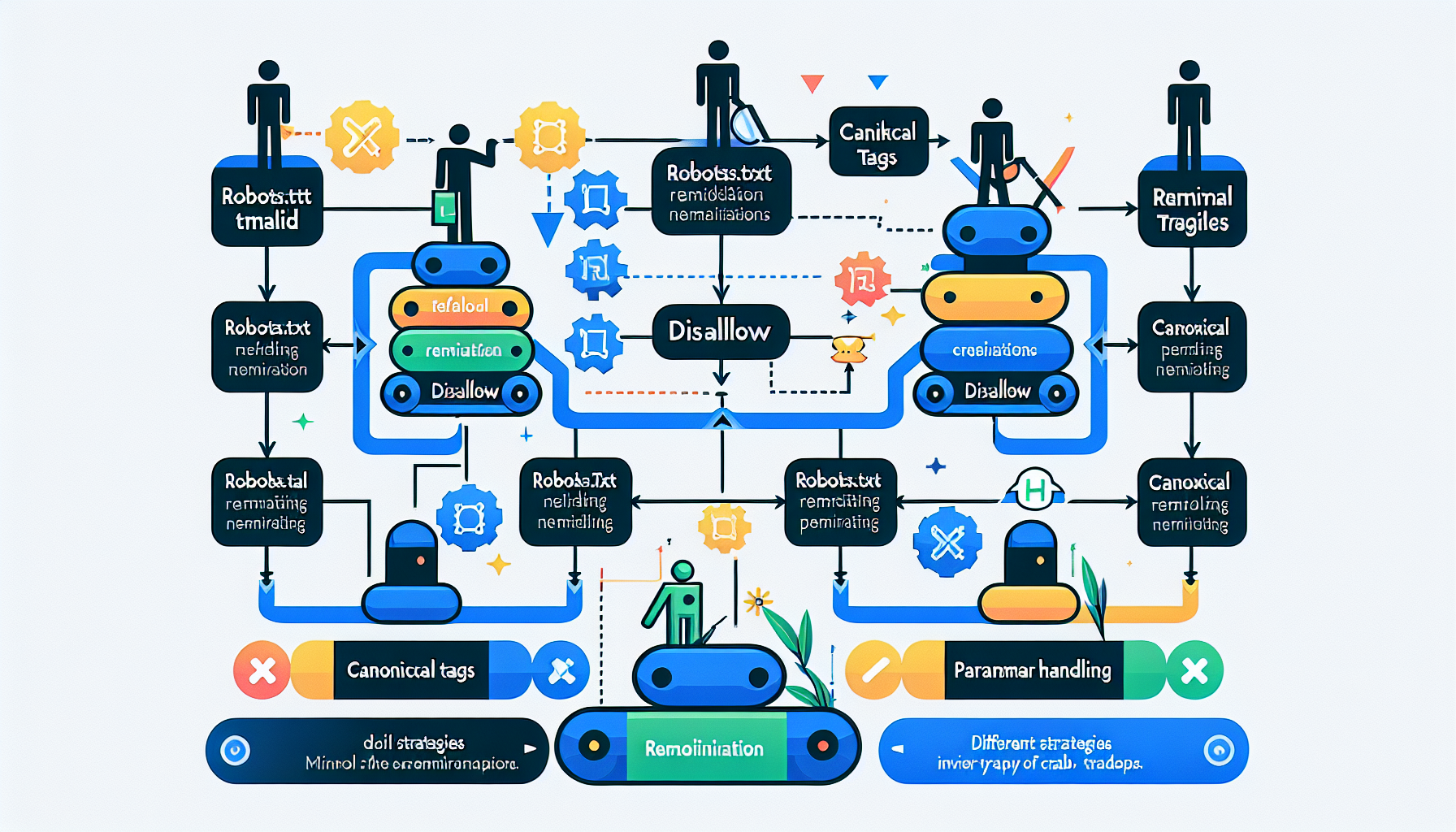
| Trap Type | robots.txt Disallow | Canonical Tags | Parameter Handling |
|---|---|---|---|
| Session IDs | Not effective – URLs unpredictable | Self-referencing canonical | GSC parameter ignore |
| Calendar Pagination | Disallow future date patterns | Canonical to base calendar | Parameter configuration |
| Filter Combinations | Disallow complex filter URLs | Canonical to simpler version | GSC parameter handling |
| Search Parameters | Disallow search result pages | Canonical to category/homepage | Parameter ignore setting |
Parameter-based traps resolve 85% faster with Google Search Console parameter handling compared to robots.txt disallow methods. The choice depends on trap type classification and URL predictability.
Session ID traps require Google Search Console parameter configuration. Navigate to Legacy Tools > URL Parameters and add your session parameter names (PHPSESSID, JSESSIONID, etc.). Set them to “No URLs” because session IDs never change content. This tells Googlebot to ignore these parameters entirely.
Calendar pagination needs template-level fixes. Implement rel=”canonical” tags pointing to your main calendar page from all date-specific variations. Add robots.txt disallow rules for future dates: Disallow: /*?month=202[5-9]* prevents crawling beyond 2024. Use GSC parameter handling for month/year parameters if your calendar serves different content by date.
Filter combination traps benefit from canonical tags to simpler versions. A URL with 5 active filters should canonical to the version with 1-2 filters. Implement robots.txt disallow for complex filter combinations: Disallow: /*?*&*&*&* blocks URLs with 4+ parameters.
Implementation priority sequence matters. Start with GSC parameter handling for session IDs, this provides immediate crawl budget relief. Add canonical tags next for content consolidation. Implement robots.txt rules last as a safety net for remaining problematic patterns.
Search parameter traps need aggressive blocking. Product search results, job search pages, and directory search outputs create infinite query combinations. Disallow all search result URLs: Disallow: /*?search=* or Disallow: /search/* depending on your URL structure.
How Do You Monitor for New Crawl Traps Before They Break Indexation?

Monitoring systems prevent crawl trap escalation by detecting unusual patterns before they consume your entire crawl budget. Sites monitoring URL growth rates catch crawl traps 4-6 weeks before indexation problems appear in GSC coverage reports.
• Configure Google Search Console alerts for crawl anomalies. Set up email notifications when crawl requests exceed 150% of your normal daily rate. Enable alerts for sudden increases in “Crawled, currently not indexed” pages.
• Implement automated log monitoring with URL growth thresholds. Write scripts that count unique URLs discovered daily and alert when growth exceeds 2x your historical average. Monitor parameter diversity, alert when new parameter patterns appear.
• Track crawl budget efficiency metrics weekly. Calculate your indexation rate (indexed pages / total crawled pages) and monitor for sudden drops. Healthy programmatic sites maintain 60-80% indexation rates.
• Set up GSC API monitoring for parameter explosions. Query the URL Inspection API programmatically to detect new parameter patterns. Alert when parameter combinations exceed your expected patterns by 10x or more.
• Monitor server response code distributions. Track 404 error rates by URL pattern. Sudden increases in 404s often indicate crawl traps hitting non-existent filter combinations or date ranges.
Automated detection scripts should run daily and examine rolling 7-day windows. Compare current URL discovery patterns against your baseline metrics. Integration with crawl budget monitoring systems provides early warning before traps impact your core content indexation.
Real-time monitoring becomes critical during site updates or feature launches. New filtering options, search functionality, or navigation changes can introduce trap patterns immediately. Implement staging environment crawl testing to catch traps before production deployment.
Frequently Asked Questions
How long does it take to fix a crawl trap once detected?
Parameter-based crawl traps resolve within 48-72 hours using Google Search Console parameter handling. Robots.txt disallow fixes take 1-2 weeks for Googlebot to fully respect. Calendar pagination traps require template changes and typically resolve within 5-7 days.
Can crawl traps completely kill programmatic SEO indexation?
Yes, severe crawl traps can consume 100% of available crawl budget, preventing any new pages from being indexed. Sites with crawl trap incidents report indexation rates dropping from 60-80% to under 5% within 2-3 weeks of trap activation.
What’s the difference between a crawl trap and index bloat?
Crawl traps generate infinite URLs that waste crawl budget during the crawling phase. Index bloat occurs when low-quality pages get indexed successfully but dilute overall site authority. Crawl traps prevent indexation; index bloat allows indexation of worthless pages.



